
Requests first
Anyone waiting on you sits at the top with Accept and Not now, then your searchable contacts, then the requests you are still waiting on.

Native apps for iPhone and Android, built from scratch, not a website in a wrapper. Your name and icon on the home screen, your members signed in, and the room they are standing in one tap away.
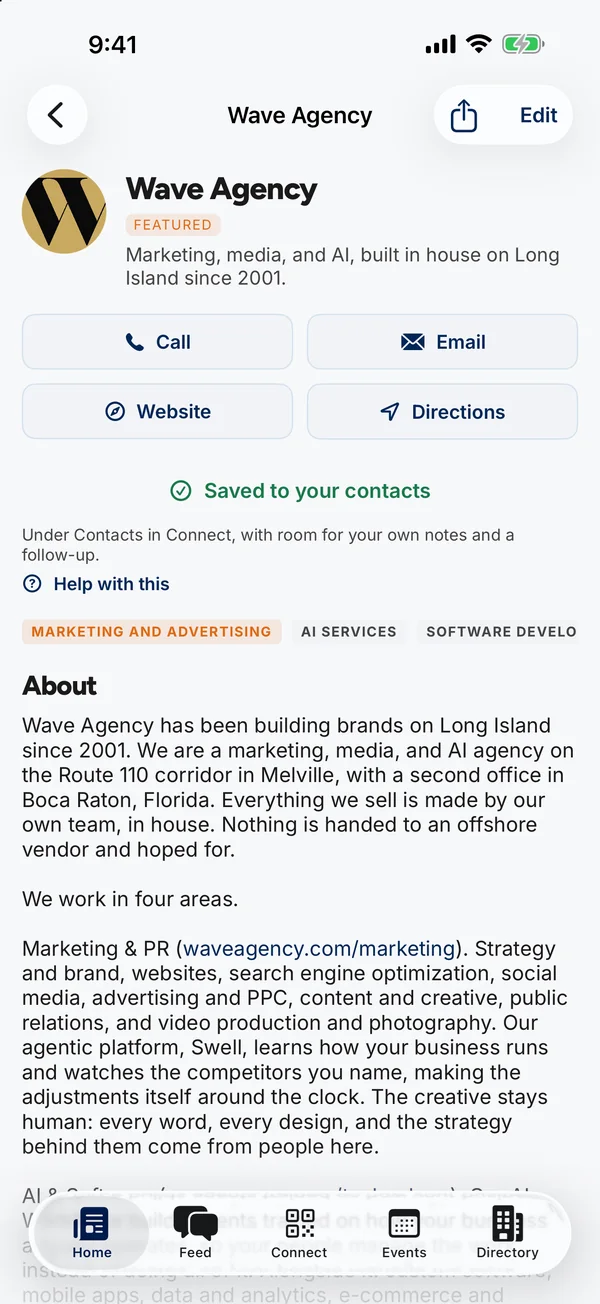
Live on the App Store and Google Play today as the Melville Chamber of Commerce app. Every screen on this page is a real capture of it.
Home, Feed, Connect, Events and Directory. Your account opens from the photo in the corner of every screen, so the tab bar stays for the things people do every day.
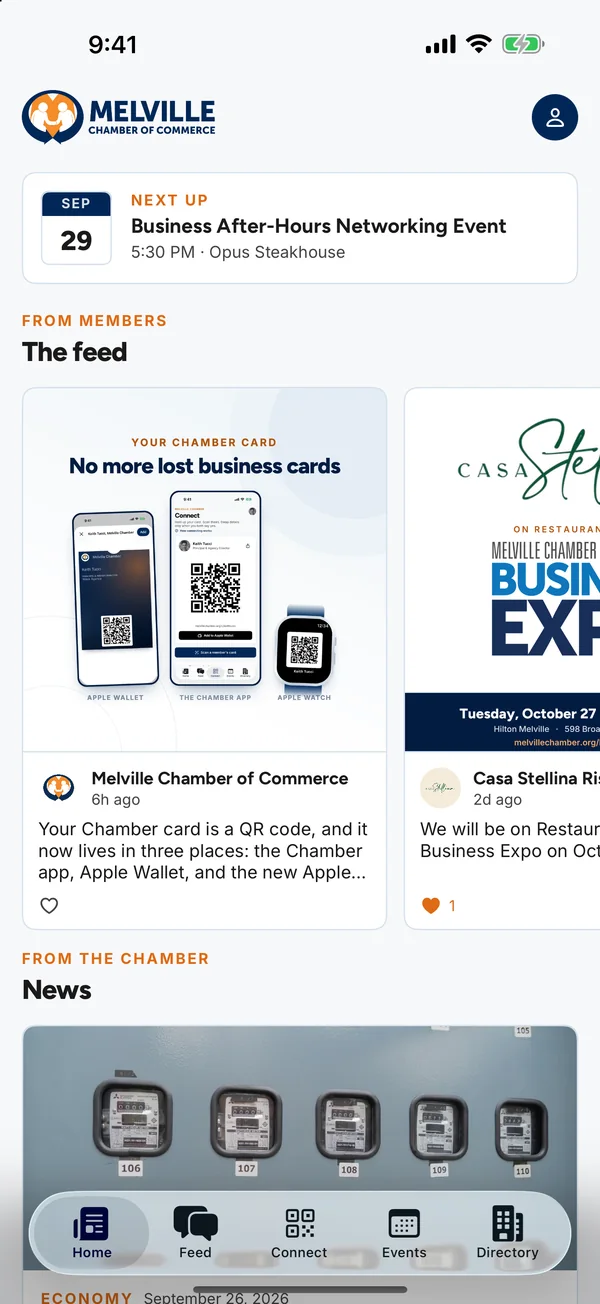
The community’s masthead, then what is on next, then the newest member posts in a row you swipe through, then your news.
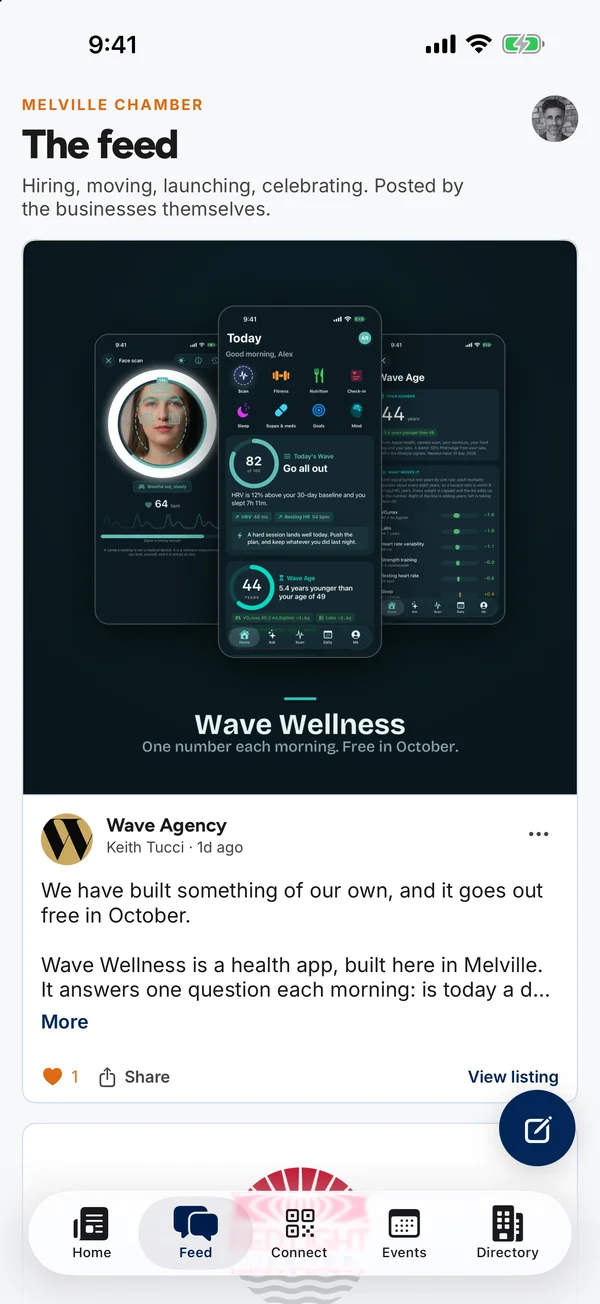
Hiring, moving, launching, celebrating. A post is words and one picture, seen by everyone who opens the app.
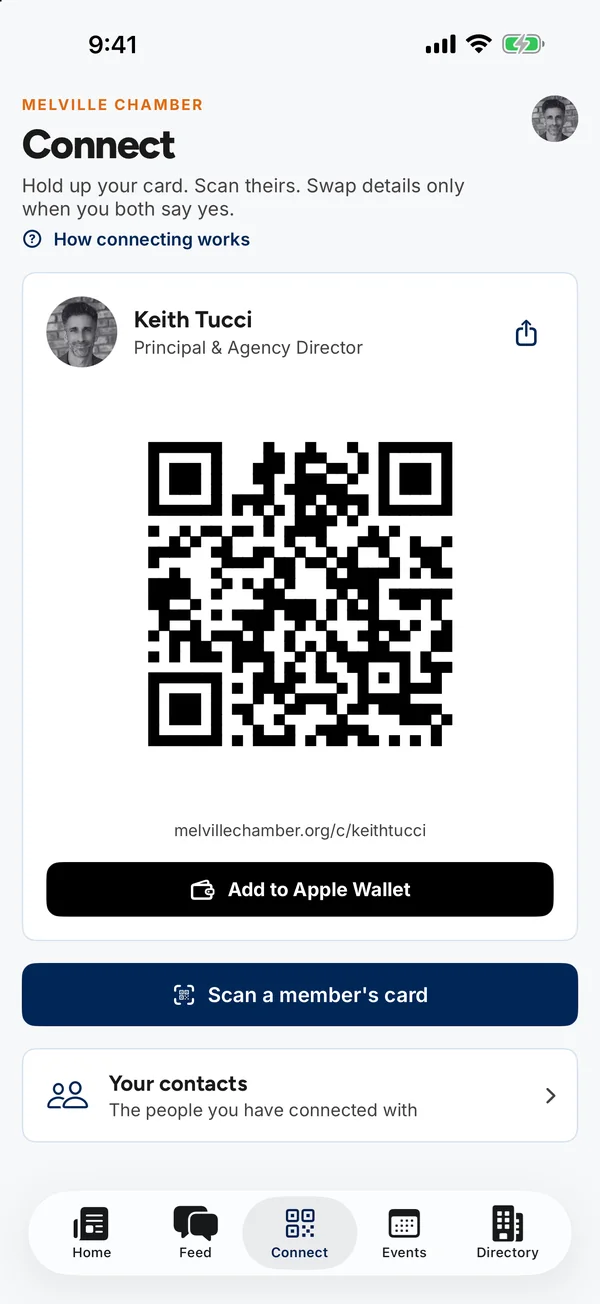
Every member has a card with a QR code. Hold it up at a mixer; the other person scans it and asks to connect.
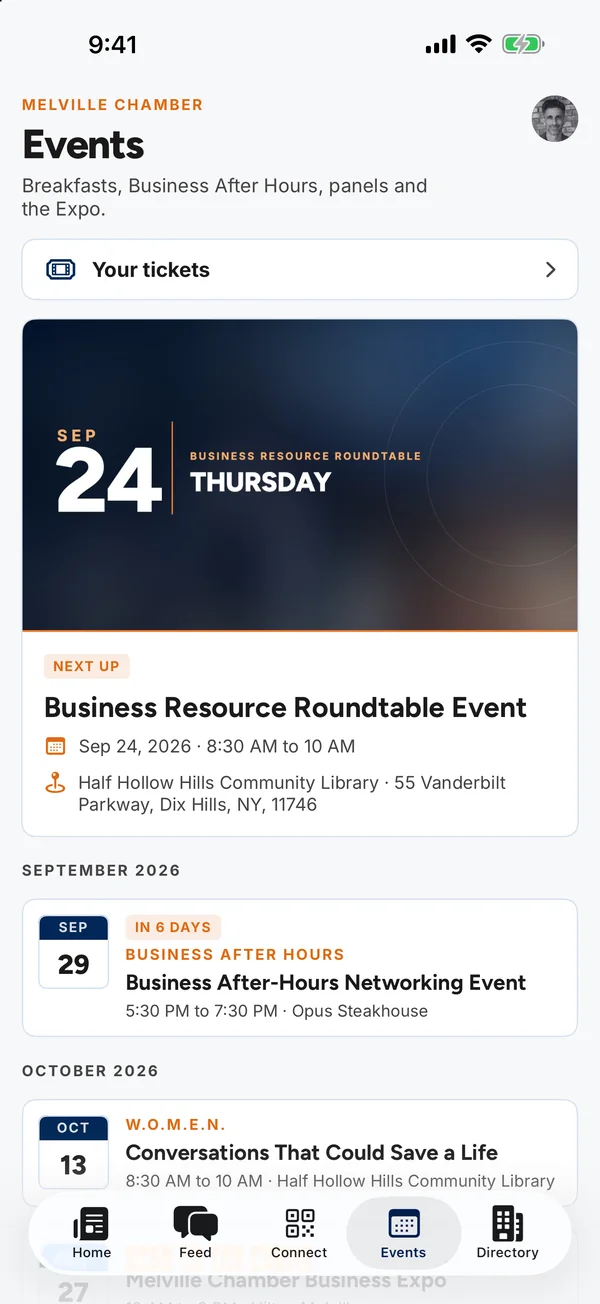
The next event leads with its artwork; the rest are grouped by month, with past events after.
Search by name, trade or town, then filter by category and town. The list is kept on the phone, so search still works in a basement ballroom.
Two passes, both signed by your own server, added from inside the app with one tap.
On Android the same ticket QR code lives in the app and works offline; a Google Wallet pass is not built yet.
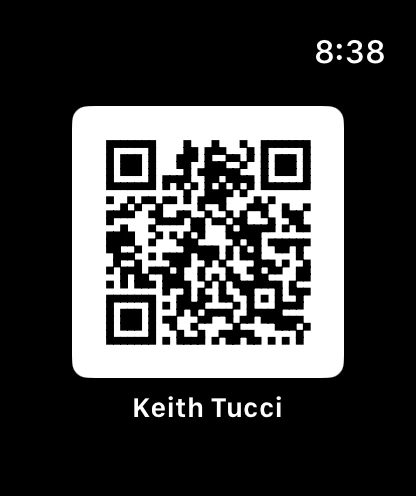
At a mixer your hands are full. Raise your wrist and the QR code is there, black on white, big enough to scan from across a table.
The people you connect with and the businesses you save live under Contacts, with room for what you want to remember about them.
Anyone waiting on you sits at the top with Accept and Not now, then your searchable contacts, then the requests you are still waiting on.
Private notes, tags, where you met and when to follow up, on every person and every saved business. Only you see them.
Call, text, email or open their card, with a “Verified” mark on a phone number the member confirmed.
Anyone who manages a business sees an Edit button on its page. Changes are live on the website and in the app the moment they save.
Manage more than one business? Pick a default, and the app and the website both open on it.
The app asks after someone signs in and taps Turn on, never on first launch. Staff send notifications from HQ, by hand, when something is worth a buzz.
A tap opens a specific story, event or member, or the news, events, feed or directory.
Mark one urgent and on iPhone it breaks through Focus and Scheduled Summary. Use it for a room change, not a newsletter.
HQ sends the notification to your own phone first, and shows how many people and how many phones it will reach.
SwiftUI on iPhone, Jetpack Compose on Android. The same features and the same five tabs, with each app using what its phone does best.
| iPhone | Android | |
|---|---|---|
| App | App Store, iOS 18 and later | Google Play, Android 8 and later |
| Five tabs: Home, Feed, Connect, Events, Directory | Yes | Yes |
| Wallet passes for tickets and your card | Apple Wallet | Not yet (QR works the same) |
| Watch app | Apple Watch, your card on your wrist | No Wear OS app yet |
| Scanning a card | Camera in the app, asks the first time you scan | Google’s scanner, no camera permission at all |
| Add to calendar | Adds straight to your calendar | Opens the calendar app filled in |
| Paying for a ticket | Checkout in a browser sheet over the app | Checkout in the phone’s browser |
| Receipts | PDF to the share sheet | PDF in the phone’s PDF reader |
| Push notifications | Apple push, “Urgent” gets through Focus | Firebase Cloud Messaging |
| Light, Dark, Auto | Yes, opens in Light | Yes, opens in Dark |
| Larger text | Follows Dynamic Type | Follows the phone’s font size |
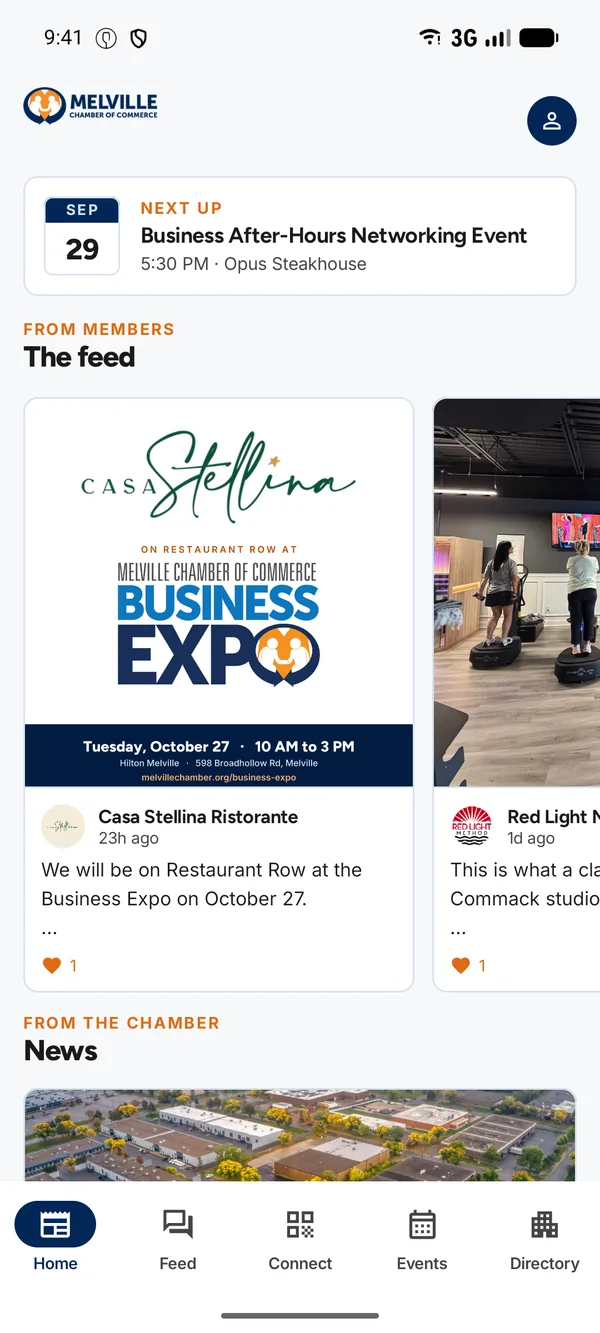
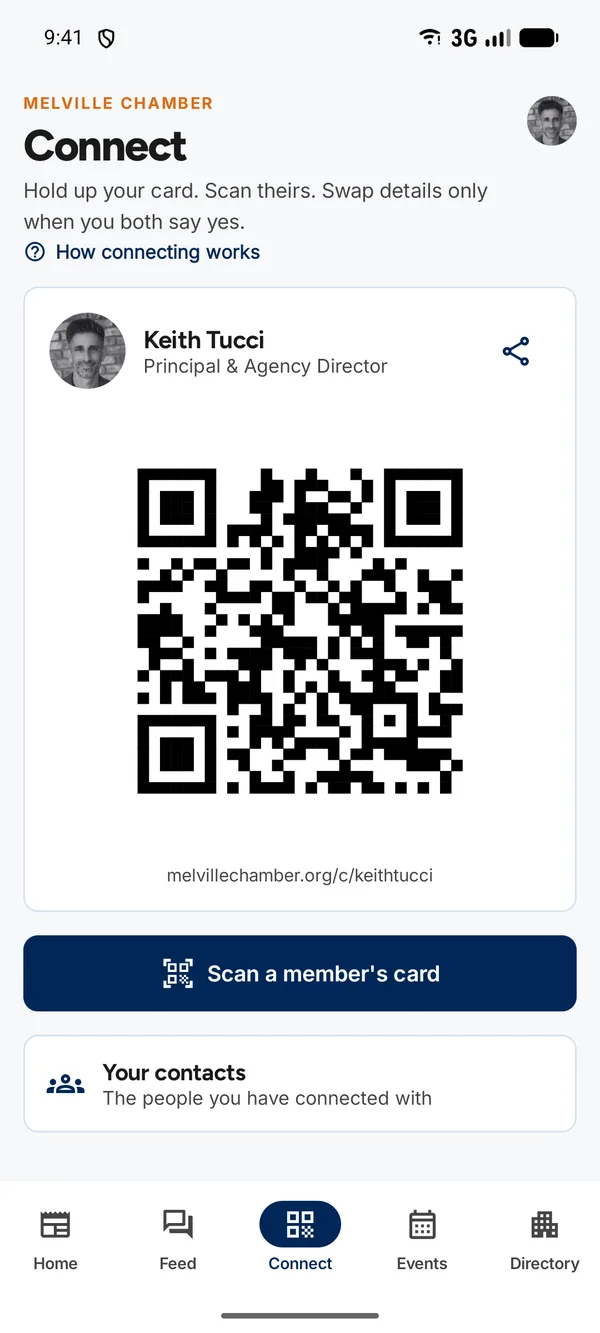
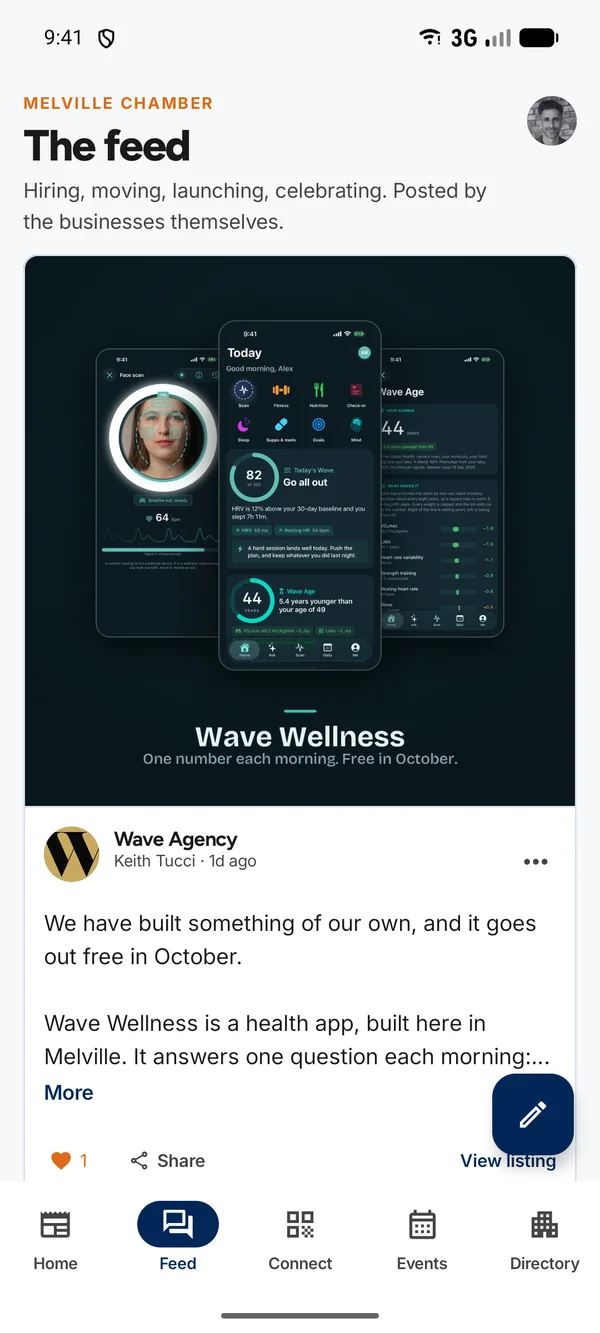
The Android app, captured on a Pixel
Some jobs are easier on a big screen, and the apps say so rather than hiding it. Today these happen on the website:
Your icon, your colors and your members, on the same apps the Melville Chamber runs today.