

Every module a community needs, working as one
One member record drives the website, the directory, events, the feed, billing and the apps. Edit it once and it is right everywhere. Every module on this page is live at the Melville Chamber of Commerce.
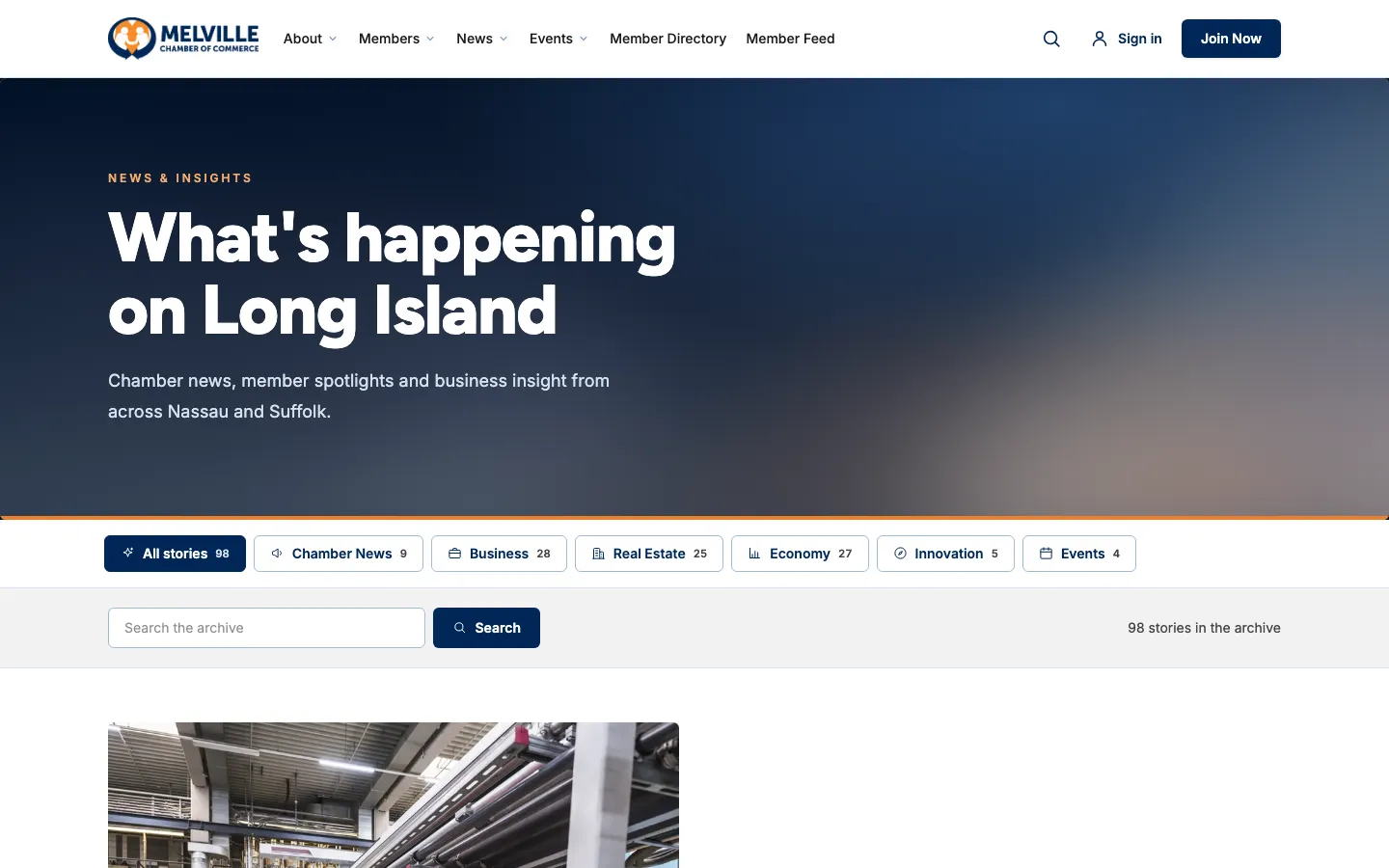
Publish like a newsroom, without the newsroom
Stories live in the platform, not in a page builder. Write in HQ, pick a category and an image, and it is on the site, in both apps and in the RSS feed within a minute.
- An archive, a page per category, and a story page with share buttons
- Feature a story to lead the front page
- “Contributed by” credit when a member wrote it
- An RSS feed for anyone who reads that way
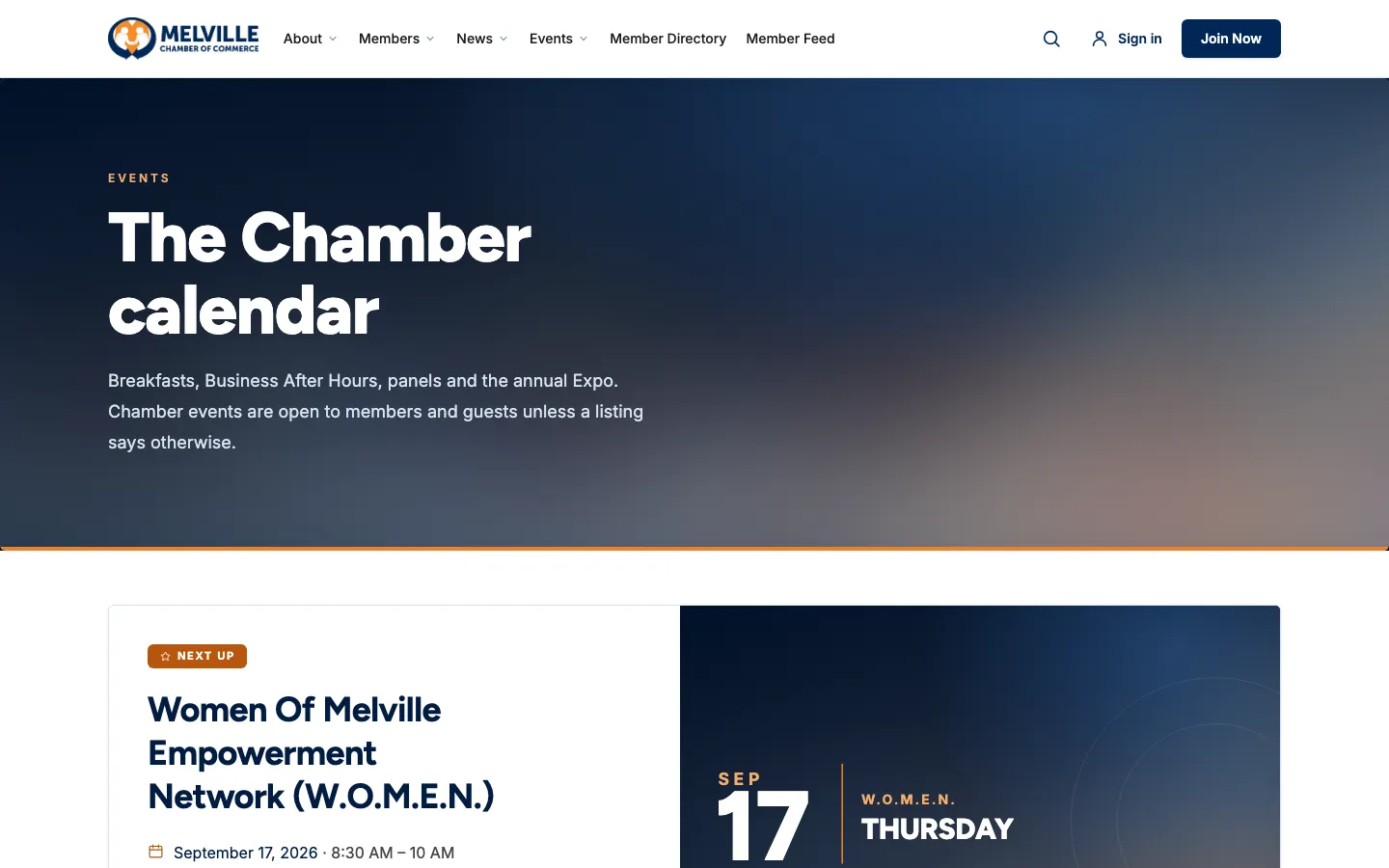
From calendar listing to the check-in table
A three-month calendar with your events and members’ events side by side, and every one of yours able to take registrations, payments and a ticket to the door.
- A live seat count, and a waitlist that takes over when the room is full
- Member and guest prices; guests pay by card as they register
- A ticket page with a QR code, and an Apple Wallet pass
- Add to calendar, Google Calendar and directions in the confirmation
- Arrival instructions, and a clear banner if an event is canceled
- A pay-at-the-door page the guest opens from a QR code
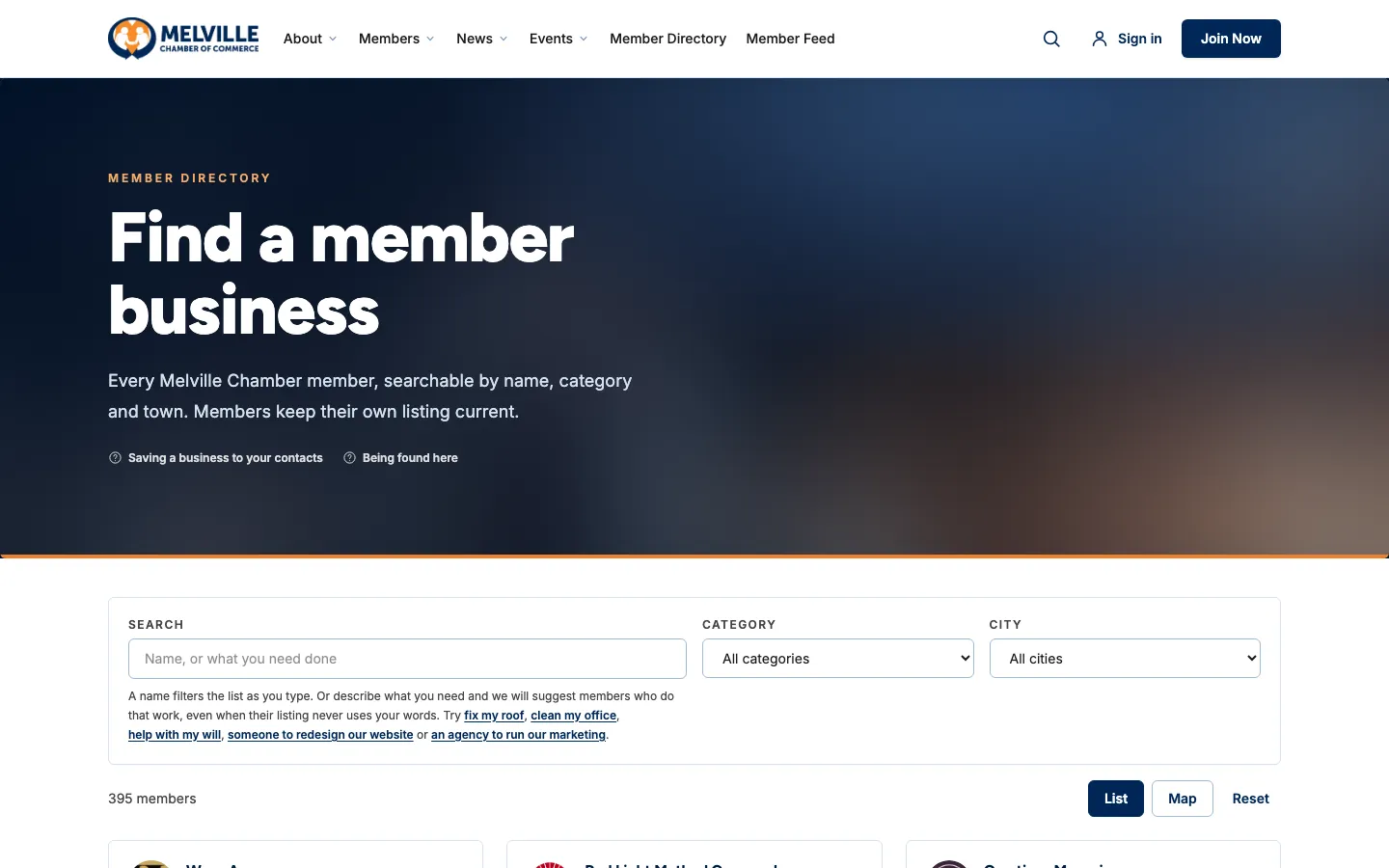
A directory that sends members business
Filter by name, category and town instantly, see members on a map, or just describe the job and AI suggests who does it.
- “Describe what you need”: type “clean my office” and the cleaning companies come up
- A full page per member: logo, banner, gallery, services, hours with open or closed now, booking button, socials and their feed posts
- A map pin for every address, with a switch for members who would rather hide the street
- A QR code for every listing, sized for a counter card
- Save a business to your contacts, and Promoted listings that are always labeled
Every person gets a card, and a contact list
A digital business card at its own short address, and a way to swap details that only works when both people agree.
- Name, title, company, bio and socials, with a “Verified” mark on a phone number proved by text
- Download to contacts, a QR code, and an Apple Wallet pass
- “Ask to connect”: details are exchanged only when the other person accepts
- Private notes, tags, where you met and a follow-up date on every contact
- Choose a card color, which business to show, and whether to show phone and email
- 01Name, title, company, bio and socials, with a “Verified” mark on a phone number proved by text
- 02Download to contacts, a QR code, and an Apple Wallet pass
- 03“Ask to connect”: details are exchanged only when the other person accepts
- 04Private notes, tags, where you met and a follow-up date on every contact
Members manage themselves
People sign in with a code or one-tap link by email. A free account needs no listing; managing a business unlocks the rest.
- A listing editor with an 8,000-character description, services, service area and booking link
- “Let us write the first draft”: AI drafts the listing from the business’s own website, and nothing saves until they do
- Logo and banner with a cropper
- A team of the owner plus three, each with their own sign-in
- Every payment to the community, each with a PDF receipt
- Suggested members to meet, based on what they said they are looking for
- A default business for people who manage more than one
- 01A listing editor with an 8,000-character description, services, service area and booking link
- 02“Let us write the first draft”: AI drafts the listing from the business’s own website, and nothing saves until they do
- 03Logo and banner with a cropper
- 04A team of the owner plus three, each with their own sign-in
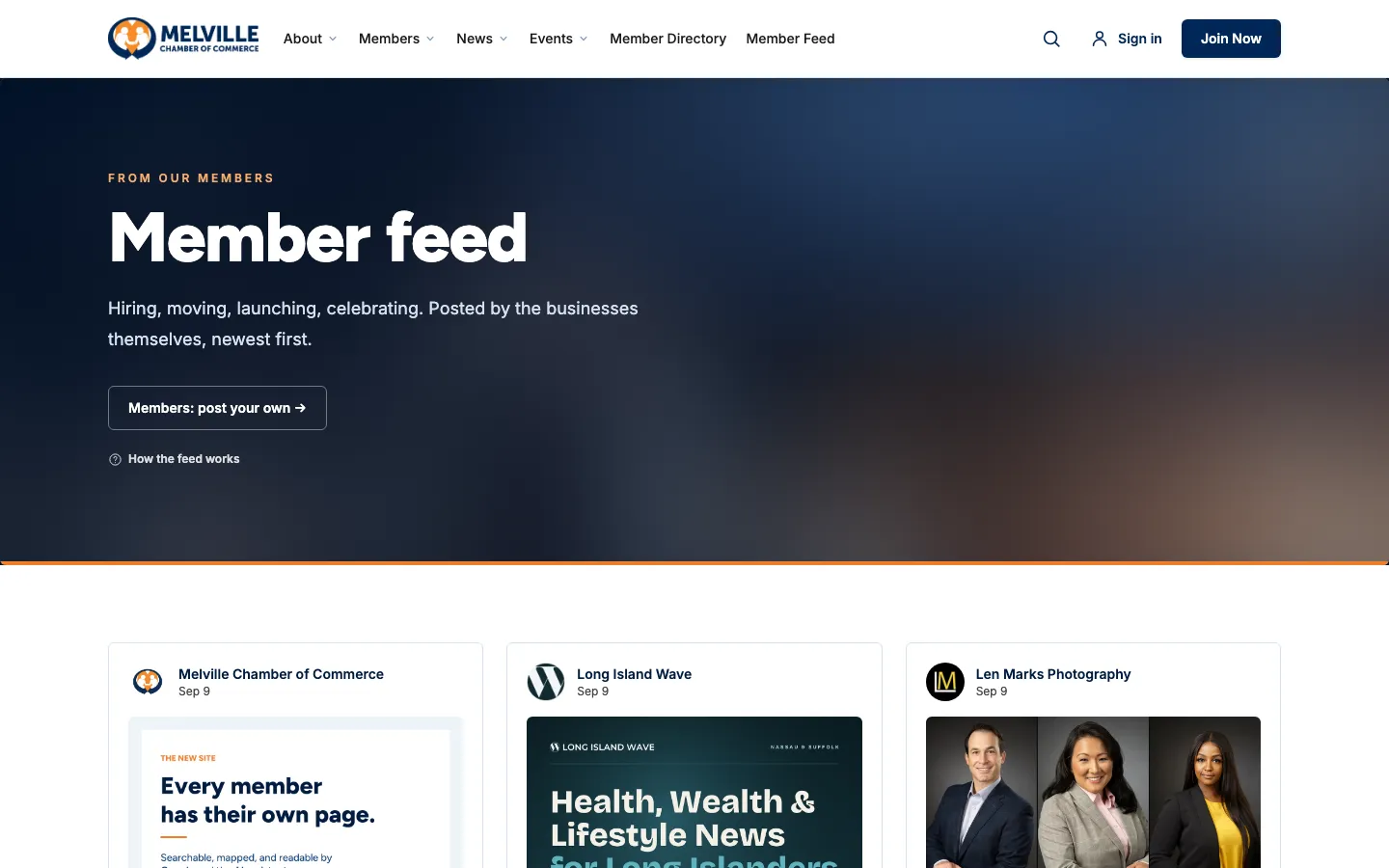
A social feed that stays professional
Members post what is new: hiring, moving, launching, celebrating. Every post is screened on the way in, and every post has its own page to share.
- Up to 5,000 characters and a photo, three posts per business a day
- Automatic screening: publish, hold for the office, or refuse with a reason
- Likes with no account needed
- Report a post, or block a business so its posts leave your feed
- Addresses and phone numbers in a post become links
Join online, pay online
A membership page and an application with dues bands by business size. Pay by card and a yearly Stripe subscription starts, or ask to be invoiced.
- Dues bands you set, from the smallest shop to the largest employer
- Every application waits in HQ for a person to approve it
- A receipt with a PDF on every payment and every renewal
- 01Dues bands you set, from the smallest shop to the largest employer
- 02Every application waits in HQ for a person to approve it
- 03A receipt with a PDF on every payment and every renewal
Pages for the groups and places you serve
The circles inside a community, and the towns it covers, each get a page built from what is already in the platform.
- A page per group, with its meeting rhythm, usual venue and next meeting read from the calendar
- A page for every county and town, built from the member list
- One search box across members, stories, events, posts and pages
- 01A page per group, with its meeting rhythm, usual venue and next meeting read from the calendar
- 02A page for every county and town, built from the member list
- 03One search box across members, stories, events, posts and pages
Written for search engines and AI assistants
A line in a list does nothing for a member business. A real page, marked up the way search engines read, gets them named when someone nearby asks who to call.
- Structured data for the organization, every business, event, story, town and FAQ
- A robots file that welcomes AI crawlers, and an llms.txt that describes the site
- A sitemap that updates itself
- Permanent redirects from every old page, so rankings carry over at launch
- 01Structured data for the organization, every business, event, story, town and FAQ
- 02A robots file that welcomes AI crawlers, and an llms.txt that describes the site
- 03A sitemap that updates itself
- 04Permanent redirects from every old page, so rankings carry over at launch
Keep people coming back, and never stuck
The tools to reach people and the help to use it are built in.
- Newsletter sign-up with a welcome email and one-click unsubscribe
- Email broadcasts and push notifications from HQ
- A help guide with fifteen sections, and a help drawer beside the portal
- Every form saves a flagged message rather than dropping it, so no inquiry is lost to a spam filter
- 01Newsletter sign-up with a welcome email and one-click unsubscribe
- 02Email broadcasts and push notifications from HQ
- 03A help guide with fifteen sections, and a help drawer beside the portal
- 04Every form saves a flagged message rather than dropping it, so no inquiry is lost to a spam filter
See every module with your name on it
A 30-minute walkthrough on the demo, branded for your community, and a straight answer on what launch would take.